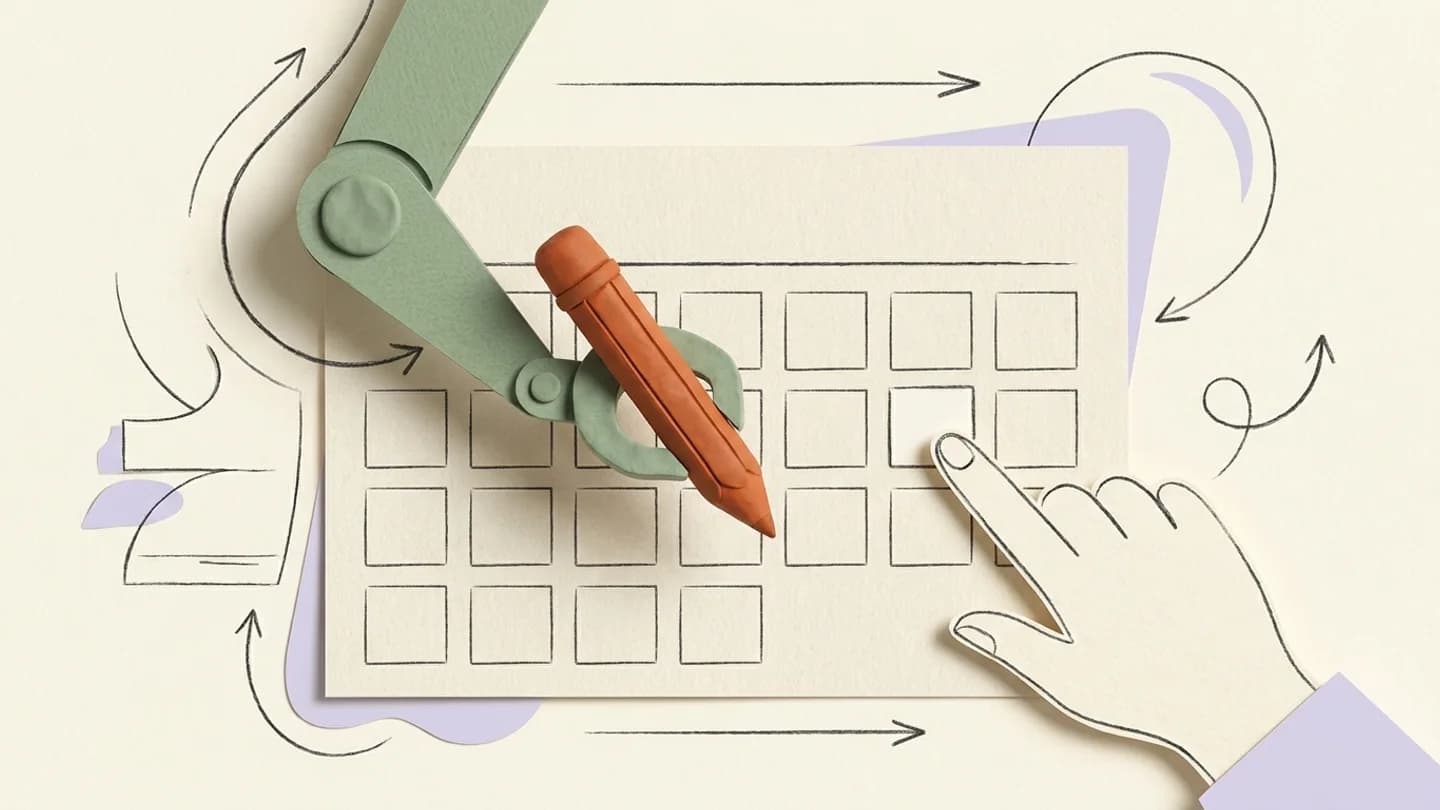
An AI-assisted Instagram workflow uses an assistant to prepare or organize work while a person defines the accounts, constraints and approval standard. Kinuly’s MCP integration connects supported assistants to the workspace; it does not replace editorial responsibility.
What to take away
- Give the assistant exact accounts, dates and constraints.
- Review proposed actions before relying on the schedule.
- Treat tool results as the source of status, not conversational confidence.
Start with a bounded request
A useful request names the creator, account, assets, dates and timezone. “Plan next week” leaves too many decisions implicit. “Prepare three posts for this account from these approved assets, spread across these dates in this timezone” gives the assistant a task you can verify.
Keep creative boundaries in the brief. If a caption needs the creator’s approval, tell the assistant that it is a draft. Do not let a polished answer create the impression that the underlying content has been reviewed.
Connect through the documented integration
Use Kinuly’s MCP documentation for the connection and permissions available to your assistant. The assistant should work with the workspace access you authorize. A teammate’s role and the integration’s granted permissions still matter.
Do not paste account passwords or unrelated secrets into a prompt to make a workflow easier. Use the supported authorization path. When removing an assistant or changing staff, review the associated access just as you would for any other integration.
Separate planning from execution
Ask for a proposal when the plan is not yet settled. Review the target accounts, captions, asset choices and times before requesting the actions you want performed. The appropriate level of review depends on the risk: listing tomorrow’s posts is different from publishing a new campaign.
- Identify the workspace and exact account.
- State whether the task is planning or execution.
- Include dates with an explicit timezone.
- Reference approved assets rather than vague descriptions.
- Verify the resulting records in Kinuly.
Check outcomes in the product
An assistant’s sentence saying a task is complete is not a substitute for the tool result. Check that the draft or scheduled item exists and that the intended fields match. After publication time, inspect the actual publication status.
If a tool fails, keep the error and resolve the cause. Repeating a request without checking the prior result can produce duplicated work. A good operating routine has a clear way to distinguish a failed action from an action that succeeded but returned a delayed response.
Use AI where it reduces coordination work
Useful tasks include organizing a draft calendar, summarizing upcoming publications or helping identify gaps in a plan. These tasks benefit from structured workspace information. Claims about audience intent or future performance still require judgment and evidence.
Keep the process understandable to a teammate who did not see the conversation. The final plan should live in the calendar and the approved content record, not only in an assistant chat. That makes the workflow easier to audit, hand over and recover.
Questions, answered
Can Kinuly connect to AI assistants?
Kinuly provides an MCP integration for supported assistants. The documentation explains connection, available tools and permissions.
Should I let an assistant publish without reviewing content?
Set a review process appropriate to your team. Always make the intended account, content and execution permission explicit.