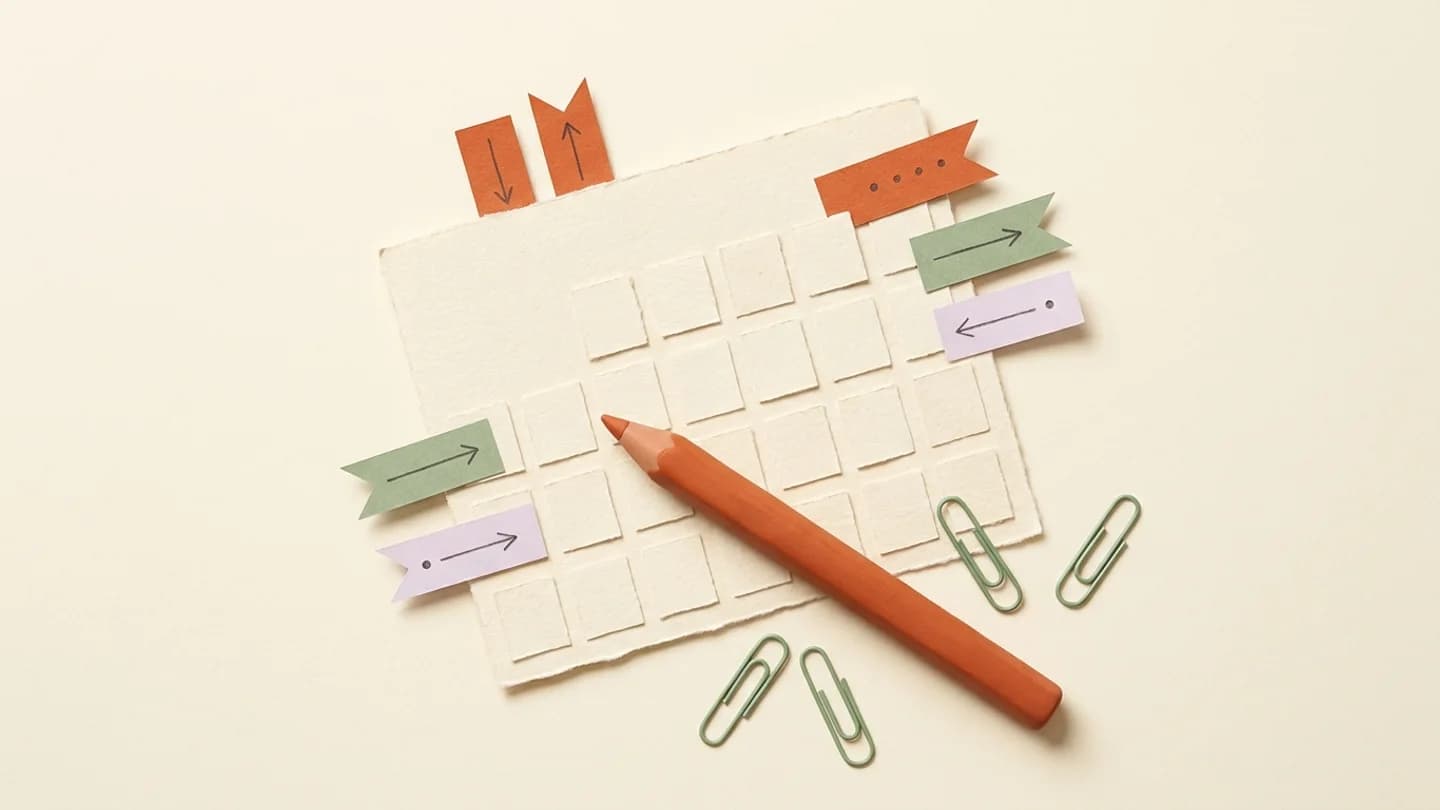
An effective Instagram content calendar tracks the work before a post goes live: idea, footage, edit, approval and scheduled publication. Include an owner and a status so the calendar becomes a production tool rather than a list of dates.
What to take away
- Separate production deadlines from publish times.
- Keep a small reserve of approved evergreen content.
- Schedule only the version the creator approved.
Use a small set of useful fields
Start with creator, account, format, content idea, asset location, owner, status and publish time. Add the timezone explicitly. A calendar with dozens of mandatory fields may look thorough but become too slow for everyday work.
Use consistent statuses such as briefed, filming, editing, awaiting review, approved, scheduled and published. A failed publication needs its own visible state. Do not move a post to published simply because its planned time has passed.
Plan the week backward from publication
If a Reel should publish on Thursday, the edit needs to be ready early enough for review. The footage deadline should allow editing time, and the brief should be agreed before filming. Working backward exposes unrealistic schedules before they become emergencies.
For a small roster, a Monday planning session, Tuesday asset deadline and Wednesday approval pass may be enough. These are example operating choices, not universal best posting days. Adapt the sequence to the creator’s availability and your audience’s timezone.
Balance recurring and experimental content
Reserve most of the calendar for formats the team knows how to produce. Use a smaller part for experiments. This protects the publishing routine while creating room to learn. Avoid a plan where every post requires a new location, new equipment and a new editing style.
- Repeat a recognizable series with a new subject.
- Include a low-effort format for busy weeks.
- Leave room for timely content without displacing all planned work.
- Keep a few approved assets available for unexpected gaps.
Handle changes without losing the approved version
A late caption change can be harmless, while a changed video can invalidate the original approval. Establish which changes need another review. Keep version names that people can understand, such as creator-format-date-v2, rather than “final-final-new.”
When a post moves, check whether its caption refers to a date or event. A scheduled “today” can become inaccurate after a calendar adjustment. Also verify the intended account, timezone and any dependent campaign link.
Close the loop every week
At the end of the week, compare planned posts with confirmed publications. Record why anything missed its slot: missing footage, late approval, access issues or publishing failure. Different causes need different fixes.
Use Kinuly for the scheduling and publication record, and keep creative decisions in the team’s chosen briefing system if needed. The goal is a calendar that accurately reflects the state of work, not a second spreadsheet that duplicates every screen in the product.
A sample production week
Use this as an operating reference and adapt it to the creator, team and supported workflow.
| Stage | Example timing | Exit condition |
|---|---|---|
| Brief | Monday | Premise and account agreed |
| Footage | Tuesday | Usable files delivered |
| Edit and review | Wednesday | Exact asset and caption approved |
| Schedule | After approval | Account, time and version verified |
| Publication check | After the planned time | Confirmed result or assigned incident |
Questions, answered
How far ahead should we plan?
Plan as far ahead as your assets and approvals are reliable. A week of approved content is more useful than a month of unconfirmed ideas.
Should all creators use the same calendar template?
Use the same status language and core fields, but allow different formats and production deadlines for each creator.