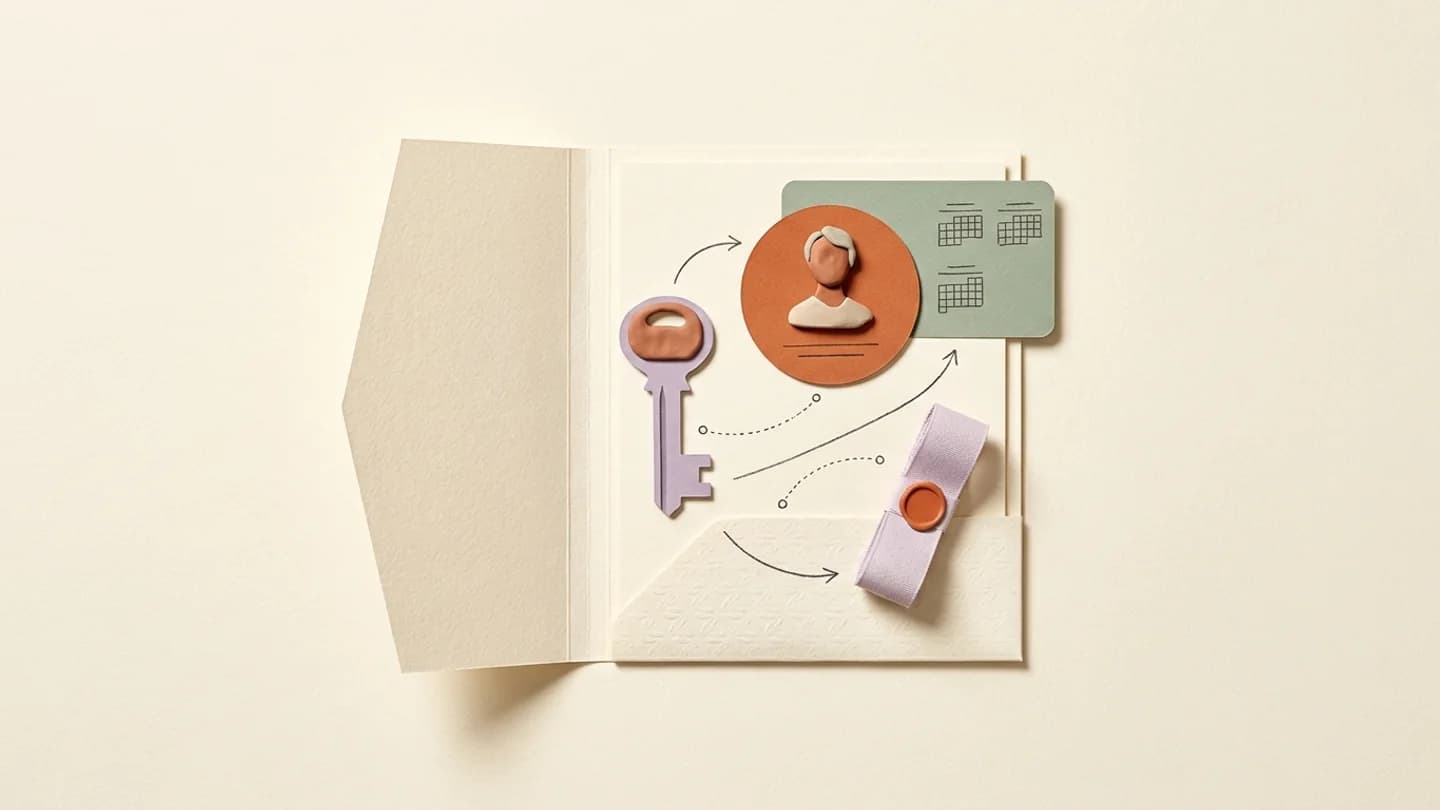
Instagram publishing integrations work with eligible professional accounts. Before connecting a creator, confirm the account type, ownership and requested permissions, then verify the exact account returned to the workspace.
What to take away
- Professional account eligibility comes before scheduling.
- The account owner should control authorization.
- Business and Creator setup choices should fit the actual use.
Understand the account requirement
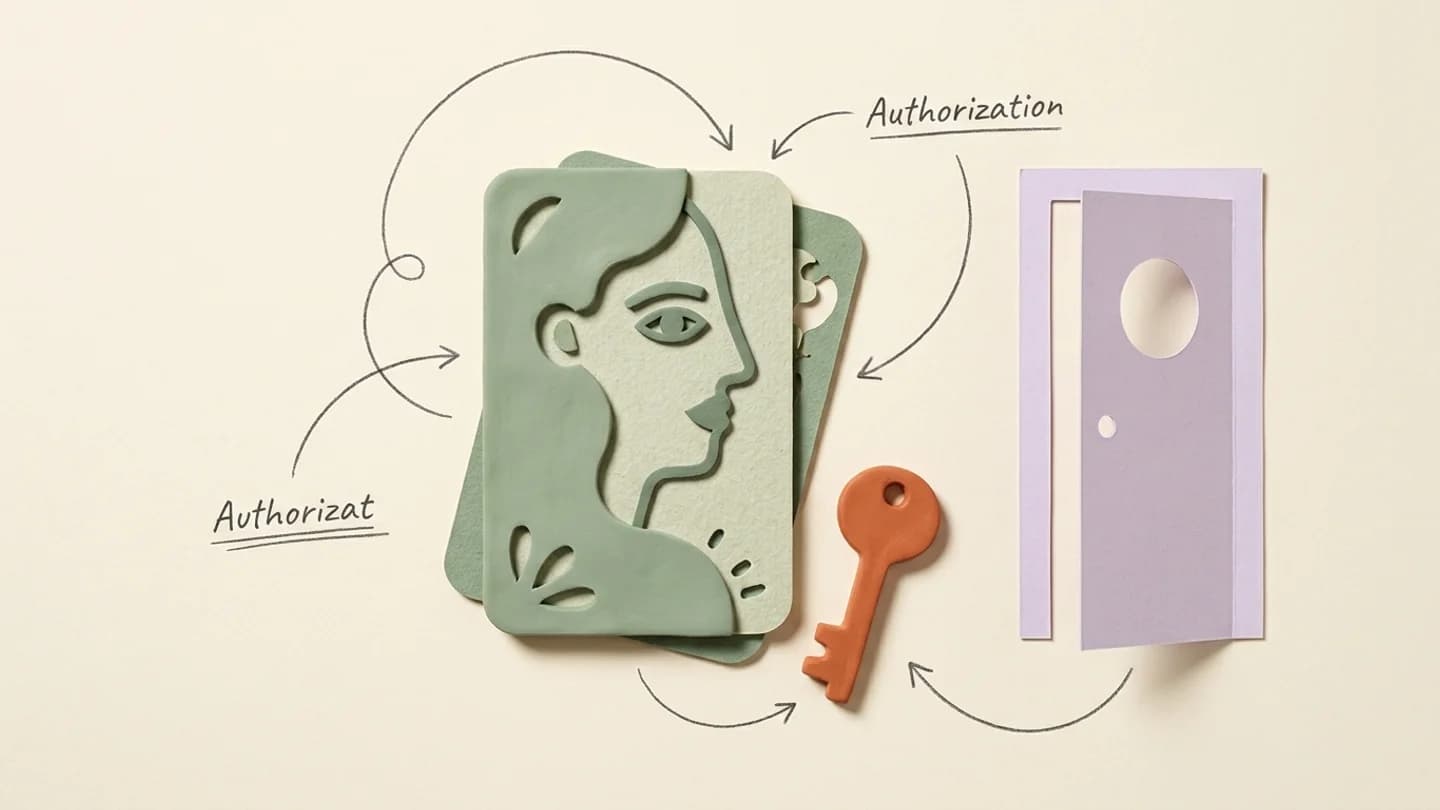
Meta’s Instagram platform documentation distinguishes professional accounts from ordinary personal accounts for supported integrations. Business and Creator are professional-account types. The details of the authorization flow depend on the integration being used.
Do not assume every tutorial describes the same login route. Older instructions may refer to a different connection method. Follow the current flow presented by the product and the relevant official documentation rather than combining steps from unrelated guides.
Prepare the owner for the connection
Ask the owner to confirm the intended handle and be available for authorization. If they are signed into several identities, account selection deserves particular attention. The agency should be able to recognize the returned profile image and exact handle.
Explain why access is being requested in plain language. The creator should understand which operation they are enabling and how to remove it later. Avoid presenting the process as handing over permanent ownership of the Instagram account.
Confirm the result in the workspace
After the flow completes, check that the account appears once and under the correct creator. Do not start scheduling into a record simply because a success window appeared. The workspace’s account list is the operational confirmation the team will use.
- Confirm the professional-account setup.
- Check the intended owner and exact handle.
- Complete the supported authorization flow.
- Verify the returned account in Kinuly.
- Perform a small, approved workflow check before adding volume.
Keep access maintainable
Changes to permissions, account ownership or platform settings can affect an integration later. Keep a clear owner contact and a documented reconnection process. A creator should not need to reconstruct the initial onboarding conversation every time access needs attention.
Choose the account type based on the creator’s actual needs and the platform’s current capabilities. This guide does not promise that every native Instagram feature is available through every integration. Verify any feature essential to a campaign before committing to it.
A connection handover example
Before a remote onboarding call, send the owner the intended handle and explain that they will complete an authorization flow. During the call, let the owner choose the Instagram identity and review the requested access. After completion, have the operator read back the handle displayed in Kinuly and confirm that it belongs to the right creator record.
If a different account appears, stop before scheduling and correct the connection through the supported process. Record the confirmed account and the person who can reconnect it later. The point of the check is not to make onboarding longer; it is to prevent a mistaken identity from propagating into the calendar and content library.
Questions, answered
Do I need the creator’s password to schedule posts?
Use the supported authorization flow. The creator should control their own account and recovery methods.
Are all Instagram app features available in scheduling tools?
No. Check the supported publishing features and media requirements of the integration you use.